
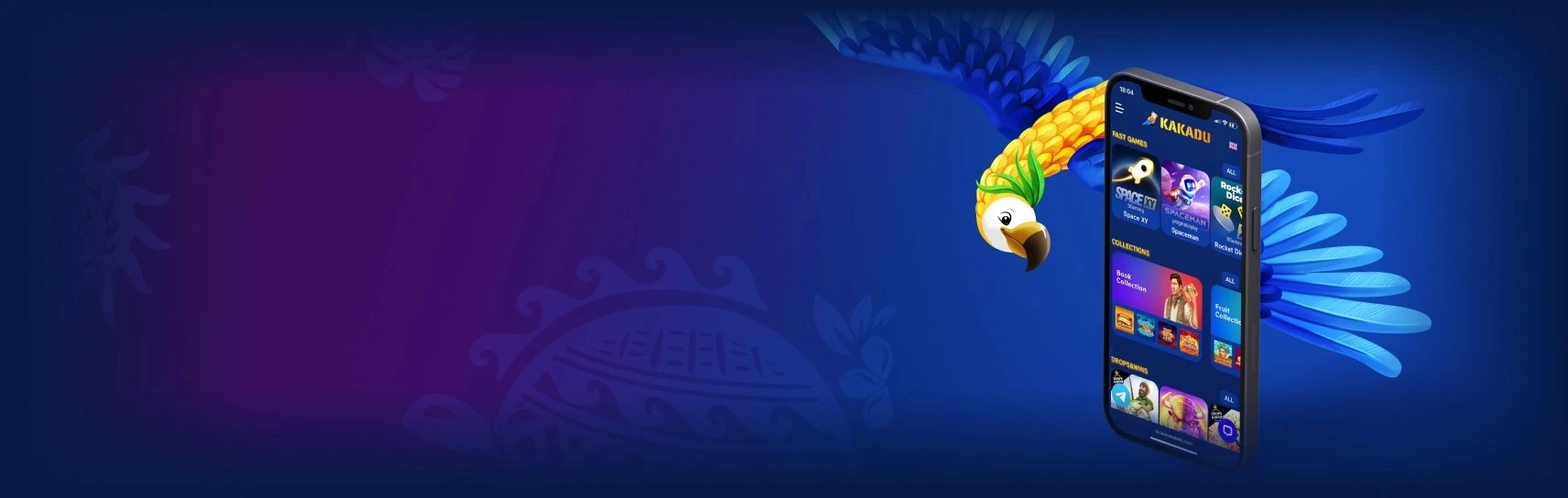
Browser access · no APK required
Kakadu Casino Mobile and App
Our casino runs as a mobile web interface on Android and iOS. A separate APK, Google Play app or App Store installation is not required. Open the casino in a current browser and, if you want an app-like shortcut, add the site to the device home screen.
Kakadu Casino Mobile Features
We use the same player account and core casino functions on mobile as on desktop:
- full game search and category filters;
- slots and table games;
- live dealer streaming;
- login and registration;
- deposits and withdrawals;
- bonus activation and wagering progress;
- VIP level and Comp Points;
- tournament leaderboards;
- favourites and recently played games.
There is no separate mobile wallet. Balances, bonuses, payment history and VIP progress stay attached to the same Kakadu Casino account.
Save to your home screen
Two platforms. One account.
 Chrome
Kakadu Casino Android Access
Kakadu Casino Android access works through a current Chrome browser, so an APK download is unnecessary.
- Open Kakadu Casino in Chrome.
- Sign in or create an account.
- Open the Chrome browser menu.
- Select
Add to Home screen. - Confirm the shortcut name.
- Open Kakadu Casino from the new home-screen icon.
The shortcut launches the mobile website rather than installing a separate Android application. Updates therefore happen on the web side; there is no APK version to replace manually.
 Safari
Kakadu Casino on iPhone and iPad
On iPhone and iPad, use a current version of Safari.
- Open Kakadu Casino in Safari.
- Select the Share icon.
- Choose
Add to Home Screen. - Confirm the shortcut name and icon.
- Open the saved Kakadu Casino shortcut.
The lobby works well in portrait orientation for browsing and account controls. Games that need more horizontal room, including many live tables, can use landscape orientation when supported by the game.
Do I Need a Kakadu Casino APK?
No. Kakadu Casino does not require a separate APK for Android access. The mobile casino runs in Chrome, and the browser version can be saved to the home screen.
This avoids the usual APK installation flow entirely: there is no need to enable unknown sources, download an installation package or search for a “latest version” file from a third-party site.
Mobile Casino Games
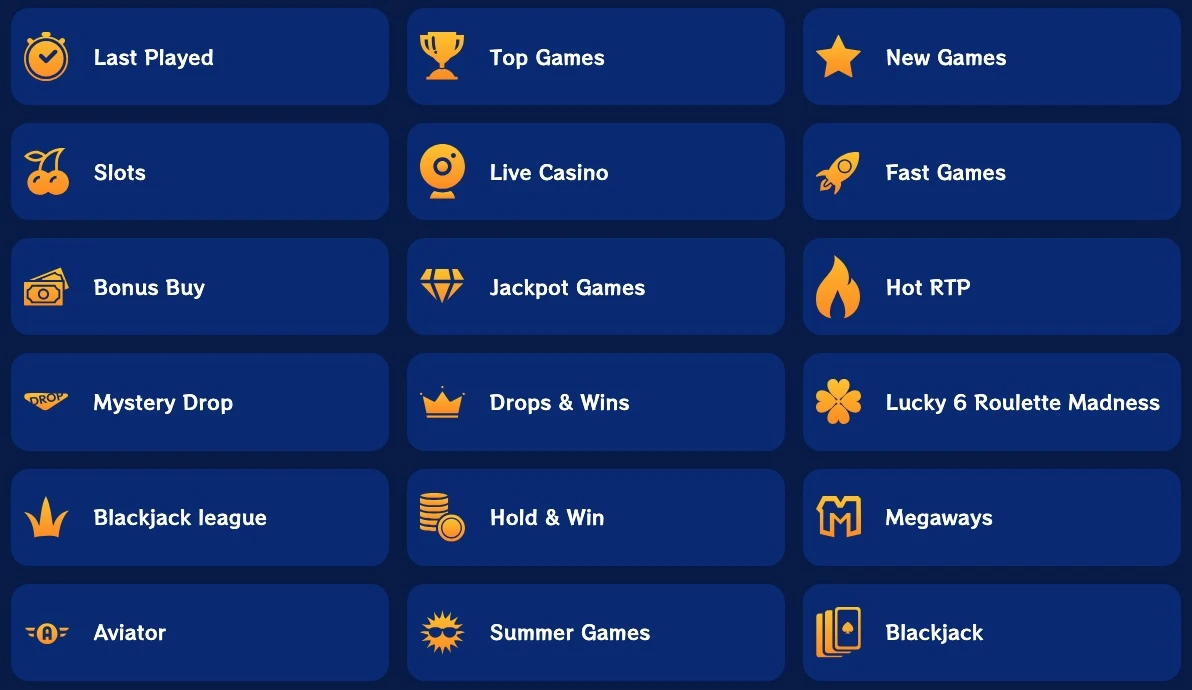
The mobile lobby covers the main Kakadu game categories without splitting them into a separate mobile catalogue.
| Category | Mobile access |
|---|---|
| Slots | Supported titles open from the regular slots lobby |
| Live Casino | Live blackjack, roulette, baccarat and game shows on supported devices |
| Table Games | RNG blackjack, roulette, baccarat and other table formats |
| Jackpots | Mobile-compatible jackpot titles |
| Fast Games | Aviator, Plinko XY and other supported short-round games |
Individual game compatibility can differ by provider or title. The Kakadu Casino Games page contains the full catalogue, provider filters and demo availability.

Live Casino on Mobile
Live dealer games stream through the mobile browser. Blackjack, roulette, baccarat and game-show tables can be opened from the same live lobby used on desktop.
Live casino uses continuous video, so an unstable connection is more noticeable there than in a lightweight RNG game. Landscape orientation gives wider table controls more screen space on smaller devices.
Kakadu Casino Mobile Login and Registration
Desktop and mobile use the same registered email, password, wallet and player profile. A player who already has an account can sign in directly from the phone without registering again.
Registration, email activation, password reset and common access problems are covered on the Kakadu Casino Login page.
Mobile Deposits and Withdrawals
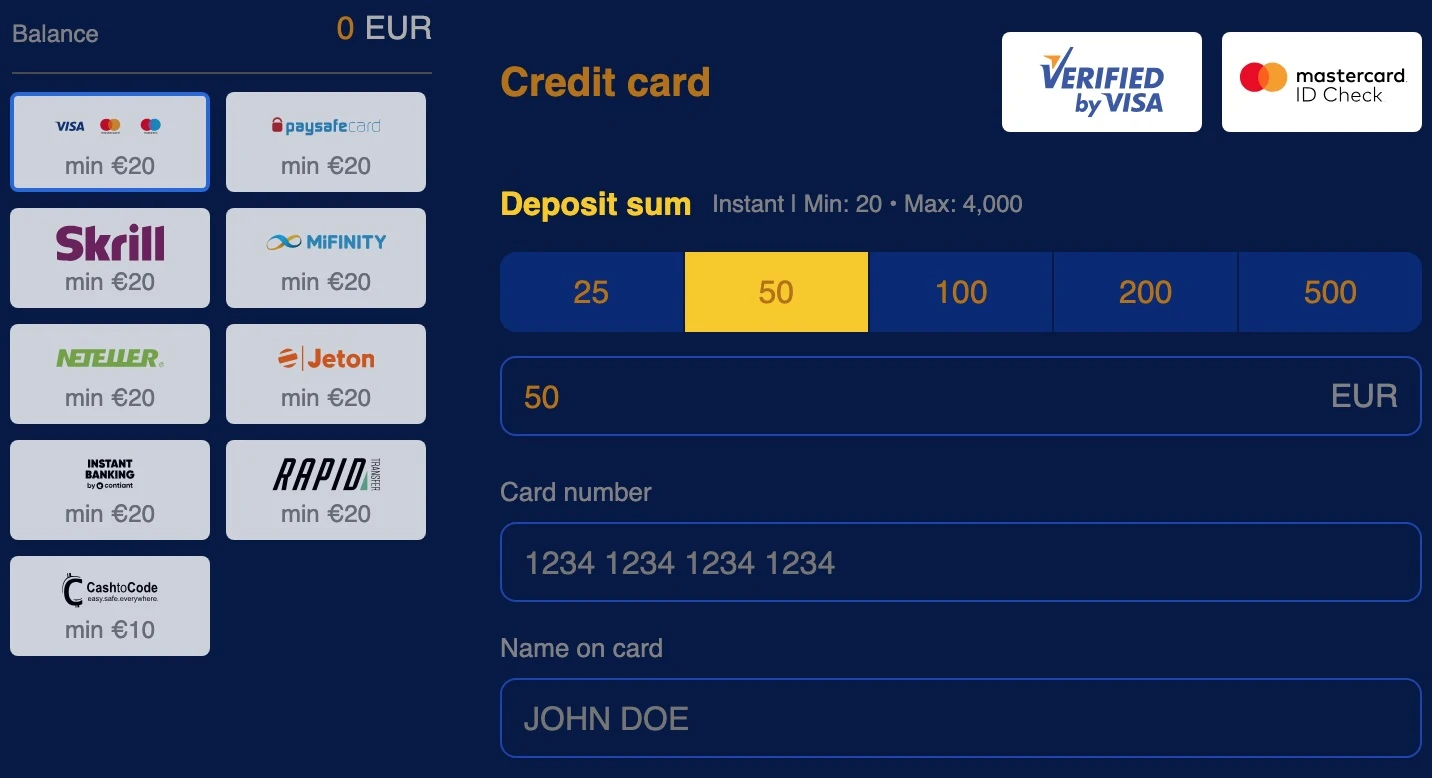
Our mobile Cashier provides the payment methods available to the same player account used on desktop. Deposits, withdrawals and transaction history stay connected to one wallet.
A payment-provider step can open in another browser tab or in a banking app. After payment is confirmed, return to the Kakadu Casino tab and open transaction history if the Cashier does not return automatically.
Minimum deposits, payout methods, withdrawal times, limits, currencies and KYC requirements are covered on Deposits and Withdrawals.

Bonuses and VIP on Mobile
Bonus activation and wagering progress remain available from the account area on mobile. Promo-code offers use the same Cashier flow as desktop, and Profile → Bonuses contains active reward progress.
The VIP area keeps the current level, Comp Point balance, next-level progress and Bonus Shop rewards. There is no separate mobile VIP ladder.
Offer conditions are covered under Bonuses and Promo Codes, while CP thresholds and Bonus Shop exchange rates are available under the VIP Program.
Tournaments on Mobile
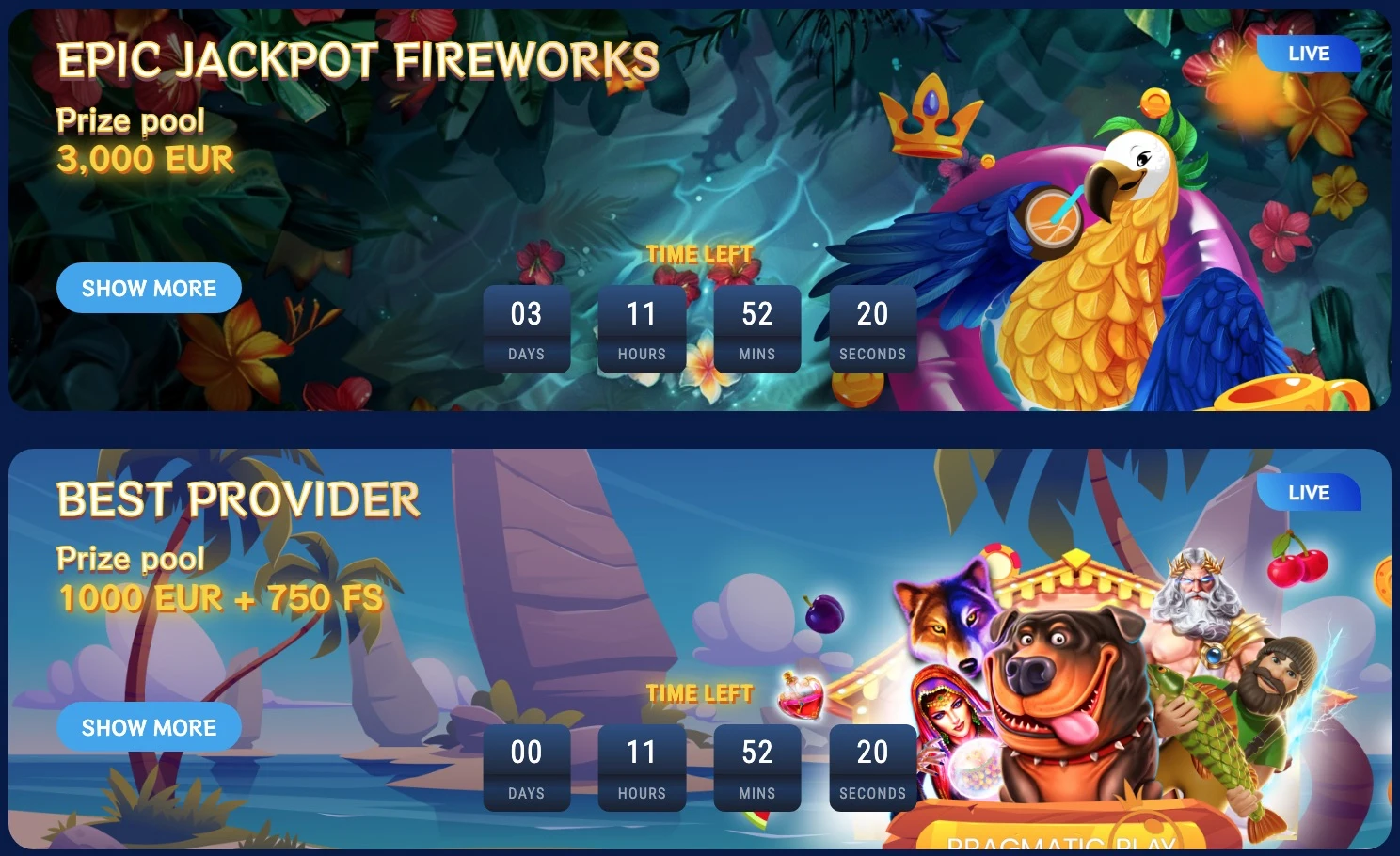
Active tournament cards and leaderboards can be accessed from the mobile casino. Players can open an eligible game, return to the event panel and follow current rank or event progress from the same account.
Some competitions use daily or mystery drops rather than a final leaderboard position. The complete event list and scoring formats are on Kakadu Casino Tournaments.
Browser and Device Requirements
| Platform | Recommended access | Recommended setup |
|---|---|---|
| Android | Current Chrome | JavaScript and cookies enabled |
| iPhone / iPad | Current Safari | JavaScript and cookies enabled |
| Android tablet | Chrome | Landscape enabled for wide games |
| iPad | Safari | Landscape enabled for live tables |
JavaScript is required for the casino interface and games, while cookies maintain the account session. Old browser versions can create login or loading problems that do not occur in a current Chrome or Safari build.
Mobile Troubleshooting
| Issue | Direct solution |
|---|---|
| Game remains on loading screen | Reload once, close other game tabs and reopen the title |
| Live stream pauses | Move to a stable Wi-Fi or mobile-data connection and reopen the table |
| Login session expires | Return to /login/ and sign in again |
| Cashier does not return after payment | Reopen the casino tab and view transaction history |
| Home-screen icon opens the wrong page | Remove the shortcut and add it again from the homepage |
| Game opens in a blank tab | Return to the lobby, close the empty tab and launch the game once |
Cashier opens another app or tab
Some banks and payment services complete authorisation outside the casino tab. After the payment step finishes, return to Kakadu Casino and open payment history to confirm the transaction status.
Home-screen shortcut opens the wrong location
Remove the existing shortcut, open the Kakadu Casino homepage in the browser and add it to the home screen again. The new icon then points back to the homepage rather than to an old game or account page.
Mobile Data and Game Loading
Slots and RNG table games usually transfer less continuous data than live dealer streams. Live casino keeps video running throughout the session, so connection quality and data use can be noticeably higher.
If the connection drops mid-session, return to the lobby and reopen the game after the network stabilises. A dropped connection does not erase game history or account records; both remain stored with the player account.
Frequently Asked Questions
Does Kakadu Casino have a mobile app?
Kakadu Casino uses a mobile web interface on Android and iOS rather than requiring a separate native app. It can be opened in Chrome or Safari and saved to the home screen for app-like access.
Do I need a Kakadu Casino APK?
No. Android users can open Kakadu Casino in Chrome. A separate APK download is unnecessary, and there is no need to install a third-party package.
How do I add Kakadu Casino to my Android home screen?
Open the casino in Chrome, open the browser menu, select Add to Home screen and confirm the shortcut. The icon opens the mobile website directly.
How do I use Kakadu Casino on iPhone?
Open the casino in Safari. Use the Share menu, select Add to Home Screen and confirm the shortcut. The same option works on iPad.
Can I play live casino games on mobile?
Yes. Supported live blackjack, roulette, baccarat and game-show tables can stream in the mobile browser. A stable connection and landscape orientation can improve usability for wider table layouts.
Can I deposit and withdraw on mobile?
Yes. The mobile Cashier uses the same account and available payment methods as desktop. Payment-provider authorisation may open in another browser tab or banking app before returning to the casino.
Do desktop and mobile use the same login?
Yes. The same email address, password, wallet balance, bonuses, VIP level and transaction history are used on desktop and mobile.
Why is a mobile game not loading?
Reload the game once, close other game tabs and reopen it from the lobby. If a live stream is affected, move to a more stable connection. Expired account sessions require a fresh login.
Open Kakadu Casino on Mobile
Use current Chrome on Android or Safari on iPhone and iPad. No APK or separate app-store installation is required.